Everything you need to do with PDFs
One application for your entire PDF workflow – fast, clear and fully local.
01
Edit text
Click into a paragraph and simply keep typing. Font, size and colour are preserved.
Edit PDF02
Highlight & annotate
Highlight, underline, strike through and add notes – in your colour.
03
Select & delete
Select text, press Delete – the paragraph closes the gap cleanly. Ideal for removing outdated details.
Edit PDF05
Fill in forms
Click fields, type, tick boxes – including calculations and validation inside the form.
Fill PDF forms06
Text recognition (OCR)
Scanned pages become searchable, copyable text. Locally, no upload.
OCR PDF08
Compress
Shrink large files for e-mail and upload portals. The original stays untouched.
Compress PDFEverything in Standard, plus:
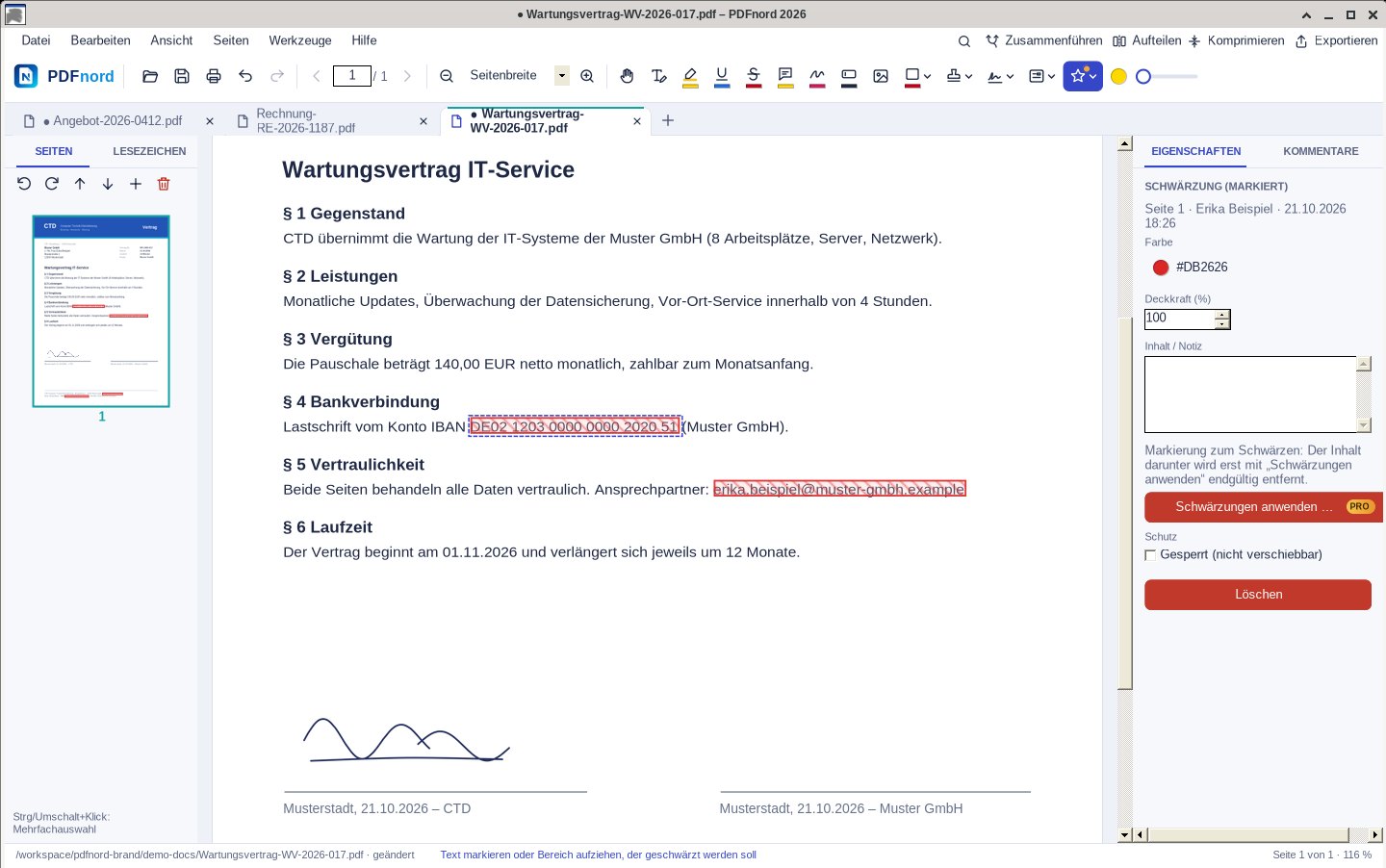
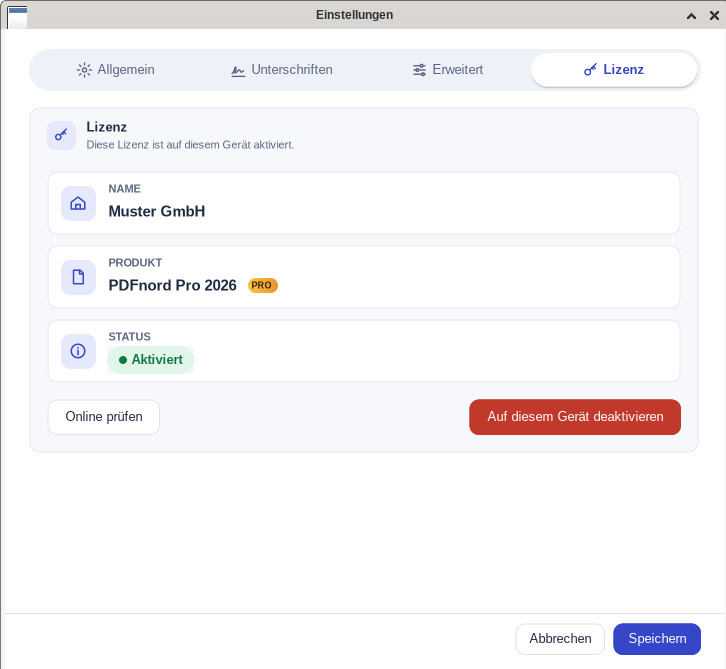
Everything in Standard plus pro tools: redaction, web forms, editable scans and marketing tools.
- Redact confidential content (permanently removed)
- Create web forms (add form fields)
- Convert scans into editable PDF files
- Marketing tools: generate flyers, social content and presentations from documents
Already on PDFnord Standard? Upgrade to Pro in your account – just €50.00 difference, same licence key.
Feature set
Everything included. Already in Standard.
No feature puzzle, no add-ons: PDFnord Standard contains the tools you need every day.
-
View & search
Fast rendering, tabs, full-text search, bookmarks.
-
Edit text
Change, delete and move text right in the document.
-
Images & graphics
Select and edit pictures, logos and shapes.
-
Highlight
Highlight, underline, strike through.
-
Notes & comments
Attach notes and reply to comments.
-
Draw
Freehand, shapes, arrows and stamps.
-
Forms
Fill in forms including calculations.
-
Signature
Handwritten or digital with a certificate.
-
OCR
Make scans searchable and copyable.
-
Office export
Word, Excel, PowerPoint, text and HTML.
-
Create PDFs
New PDFs from images and text.
-
Merge
Combine several files into one.
-
Split
Separate by pages or ranges.
-
Organise pages
Insert, delete, rotate, reorder.
-
Compress
Reduce file size significantly.
-
Password protection
AES-256 encryption and permissions.
-
Print
Own print dialog with live preview.
-
Light & dark
Eye-friendly dark theme included.
-
German & English
User interface in both languages.
-
Local & offline
Your documents never leave your PC.
Ready for PDFs without a subscription?
Buy PDFnord once and start right away – or sign up for free and download the app first.
One-time price incl. VAT · no subscription · Windows 10 & 11 · download after free sign-up